

01
Track online bookings.
Review website submissions, upcoming appointments, and attendance status so your team knows what needs follow-up.
Plan marketing initiatives, strengthen provider relationships, and keep patient follow-up moving. Ovrflo gives each team a focused workspace and your practice a clearer view of the work.
See how patients find you,
where they stand, and what comes next.
From marketing commitments to referring-office relationships and patient follow-up, give every team a clear place to start.
Bring the daily plan, vendors, projects, contracts, and expenses into a focused Marketing workspace. See what is due, what is moving, and what needs a decision.
Explore the workflow02Give practice liaisons a shared place to plan office visits, develop referring relationships, and keep the next conversation in view.
Explore the workflow03Follow inquiries, appointment records, and patient follow-up in Patient Intake, with a source, stage, and owner that stay visible.
Explore the workflow04Review the workspaces together, then move into the team plan, provider relationship, or patient workflow that needs attention.
Explore the workflowPatients reach your practice through your website, phone inquiries, and referring providers. Ovrflo helps your team follow that activity, see what needs attention, and keep the next step clear.
Review website submissions, upcoming appointments, and attendance status so your team knows what needs follow-up.
See each inquiry’s source, stage, and owner. Keep the next action visible from first contact through evaluation and treatment.
Keep provider relationships and co-management details close to the patient referrals they support.
Explore patient intake and provider relationships in their own workspaces, with a practice overview that keeps both in view.
Review website booking records and see where each appointment stands. Find upcoming visits, update attendance status, and spot cancellations or missed appointments that may need follow-up.
Review what was submitted and where it stands.The demo shows booking records. The public intake form is not connected.
From appointment coordination to provider outreach, give each person a clear view of the work they own.
Start with the practice overview, then open the relevant workspace to review the team’s plan. See who owns upcoming work and where inquiries need attention, with referral and marketing acquisition reported separately.
Explore a working demo with 18 months of fictional history. Review a booking, move a patient inquiry forward, and see how referral context stays with the work.
Open the interactive demoNo account needed. Start exploring right away.Review office visits, requests, and the team’s upcoming work.
Open an appointment and follow its source, stage, and next action.
See referral and marketing activity in separate sections of Practice overview.
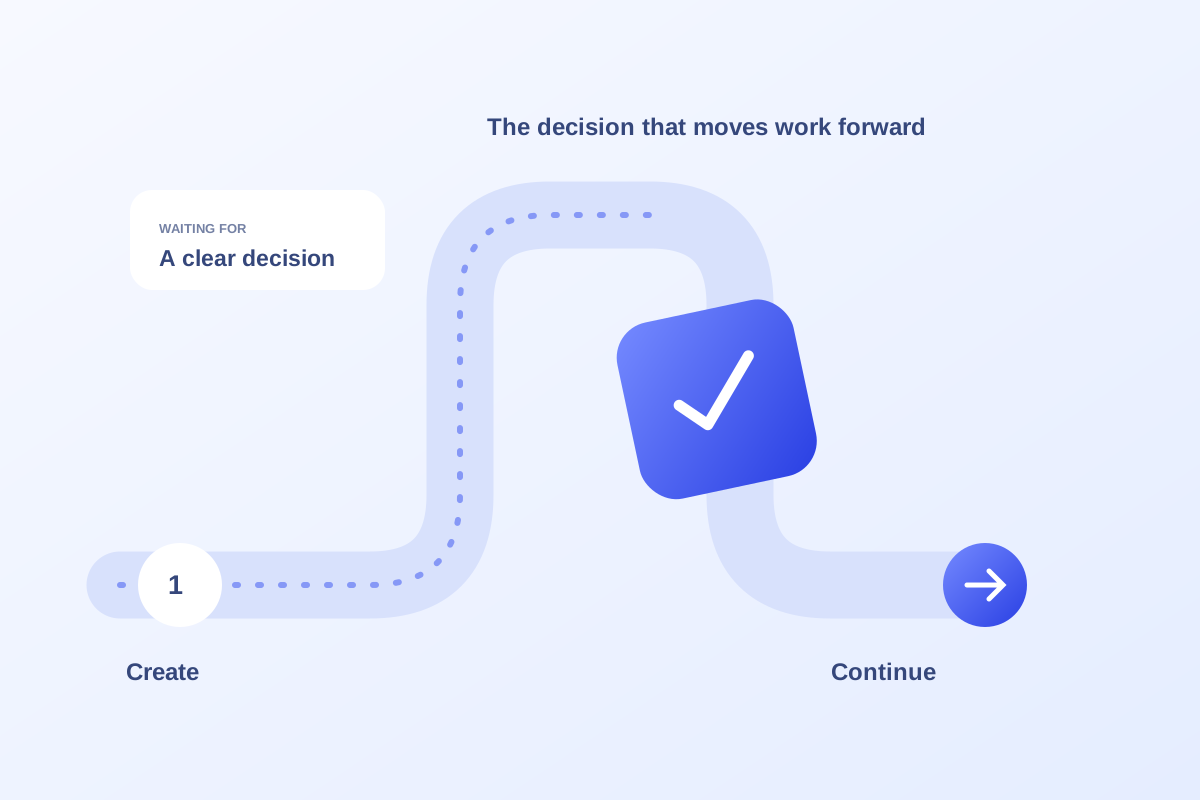
Trace the decision holding up the work, then give the reviewer a clear request and a realistic deadline.
Read the insight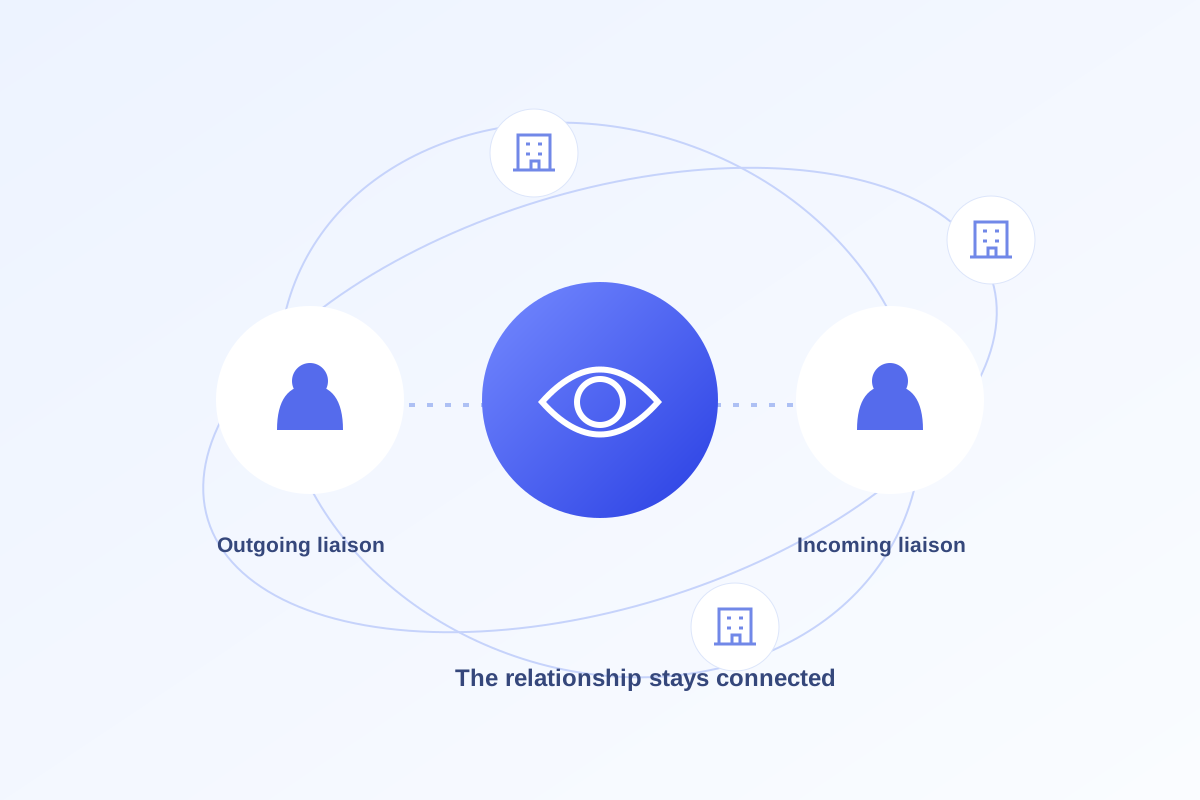
Transfer relationship context and outstanding promises alongside the contact list.
Read the insight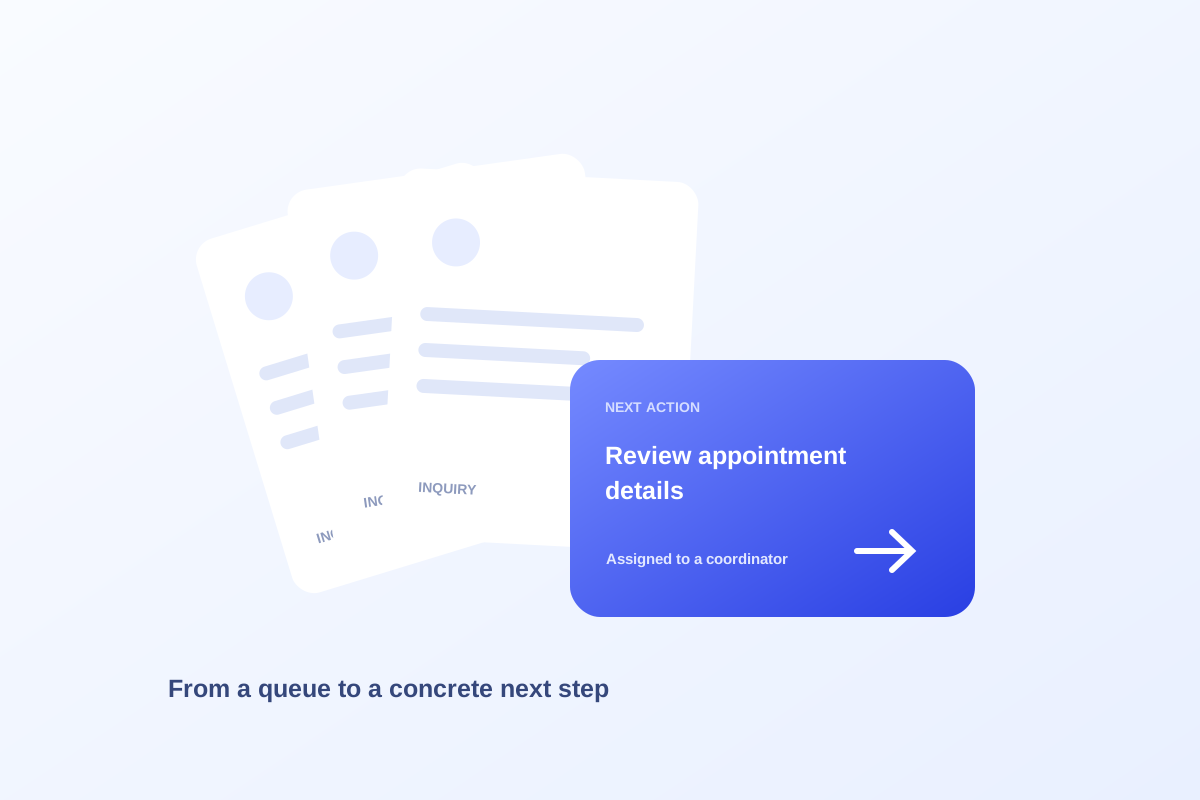
Review missing ownership, unclear stages, and absent next actions before treating the queue as a workload count.
Read the insightHave a question about your practice?
Explore the booking and patient workflows. Then talk with us about your practice’s patient funnel, referral network, and follow-up needs.