

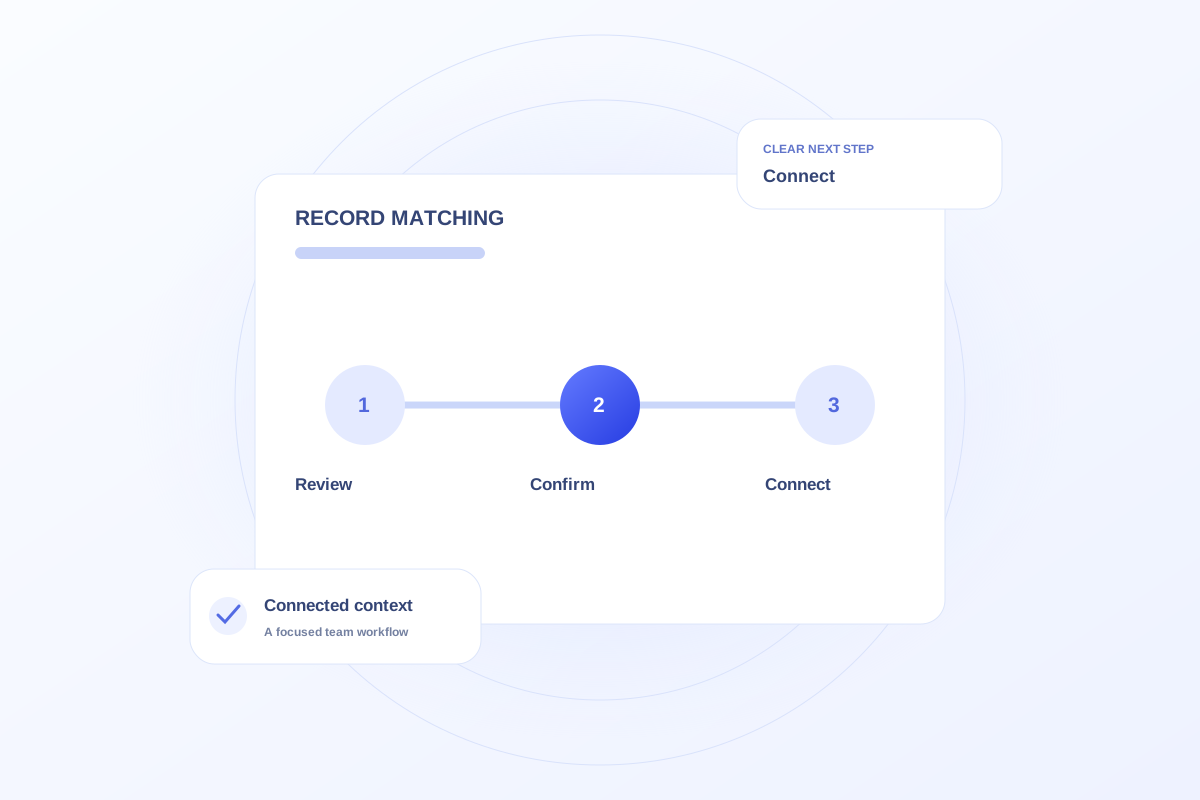
Duplicate inquiries can inflate acquisition totals and make follow-up ownership unclear. Define when multiple contacts belong to the same journey, how records are reviewed, and who can resolve duplicates. Preserve useful interaction history rather than deleting context simply to reduce a count.
Define a duplicate before changing records
A repeated form submission, a phone call after an online request, and a genuinely new inquiry are different possibilities. Agree on the matching rules and review process before combining records.
Use the practice’s approved identifiers and access procedures. Similar names alone are not sufficient evidence that two records represent the same person or the same journey.
Resolve the work as well as the count
When a possible duplicate is found, review open actions and assigned owners. Otherwise one record may be closed while another coordinator continues an unnecessary follow-up.
Document which record will carry the next action and which history must remain accessible. Treat uncertain matches as a review task rather than an automatic cleanup decision.
Ask how a production workflow will handle matching
Ovrflo’s demo links bookings and handoffs to inquiry context, illustrating why repeated events should not automatically create new acquisition counts. It does not establish a live duplicate-detection service.
During evaluation, ask how records from forms, phones, and clinical systems would be matched and corrected. Confirm the process with the people responsible for the actual data sources.
Your working checklist
- Define matching and review rules.
- Avoid combining records from names alone.
- Review open actions before resolving duplicates.
- Confirm live matching requirements during rollout planning.
See the workflow in Ovrflo.
Explore the related workspace with fictional data, then discuss what your team would need in practice.