

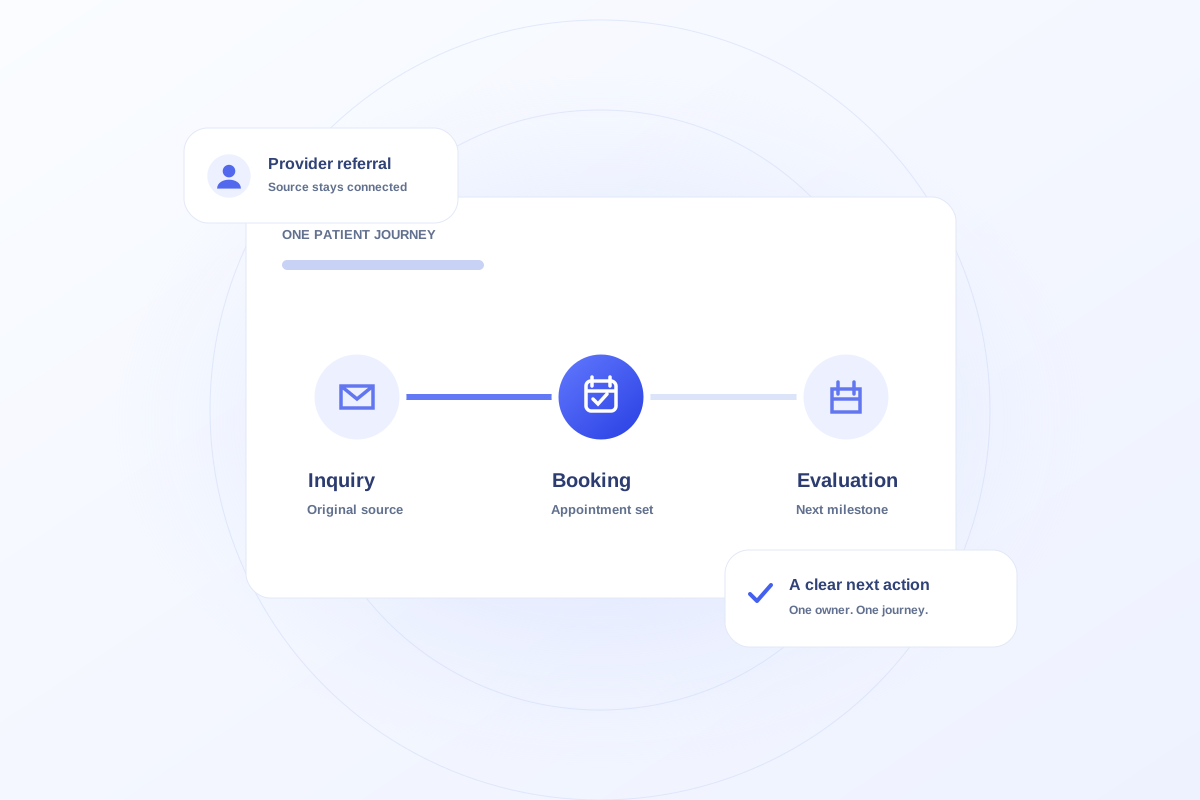
Count an inquiry as the start of a patient journey, record the source that brought it to the practice, and track bookings as later milestones. A referral is an acquisition source; an online form is an arrival method. Keeping those concepts separate helps avoid counting the same journey twice.
Separate the source from the arrival method
A referring provider may send a patient through an online form. “Provider referral” describes why the inquiry arrived; “online” describes the method. Both can be useful, but they should not compete for the same source field.
Write down the source definitions your team uses. Decide how unknown sources, returning inquiries, and corrected records will be handled before using a chart to compare channels.
Track appointments as milestones
An inquiry may lead to a booked evaluation, a cancellation, a reschedule, and an attended evaluation. Preserve those appointment states rather than replacing the history with a single success label.
When reporting a booking rate, identify the population and period. A report of bookings created this month is different from a report of this month’s new inquiries that eventually booked. Do not present those measures as interchangeable.
Keep handoffs connected
A patient may move from direct intake to a provider handoff or shared-care workflow. Keep the patient context linked and retain the original acquisition source. The handoff is work on an existing journey, not automatically a new acquisition.
Before relying on production reporting, validate record matching, duplicate handling, access permissions, and data sources with the practice. The Ovrflo demo illustrates the workflow with fictional browser-local records; it does not validate a live integration.
Your working checklist
- Define acquisition sources and arrival methods separately.
- Distinguish booked appointments from attended evaluations.
- State the population and time period for every rate.
- Keep appointments and handoffs connected to the original inquiry.
See the workflow in Ovrflo.
Explore the related workspace with fictional data, then discuss what your team would need in practice.