

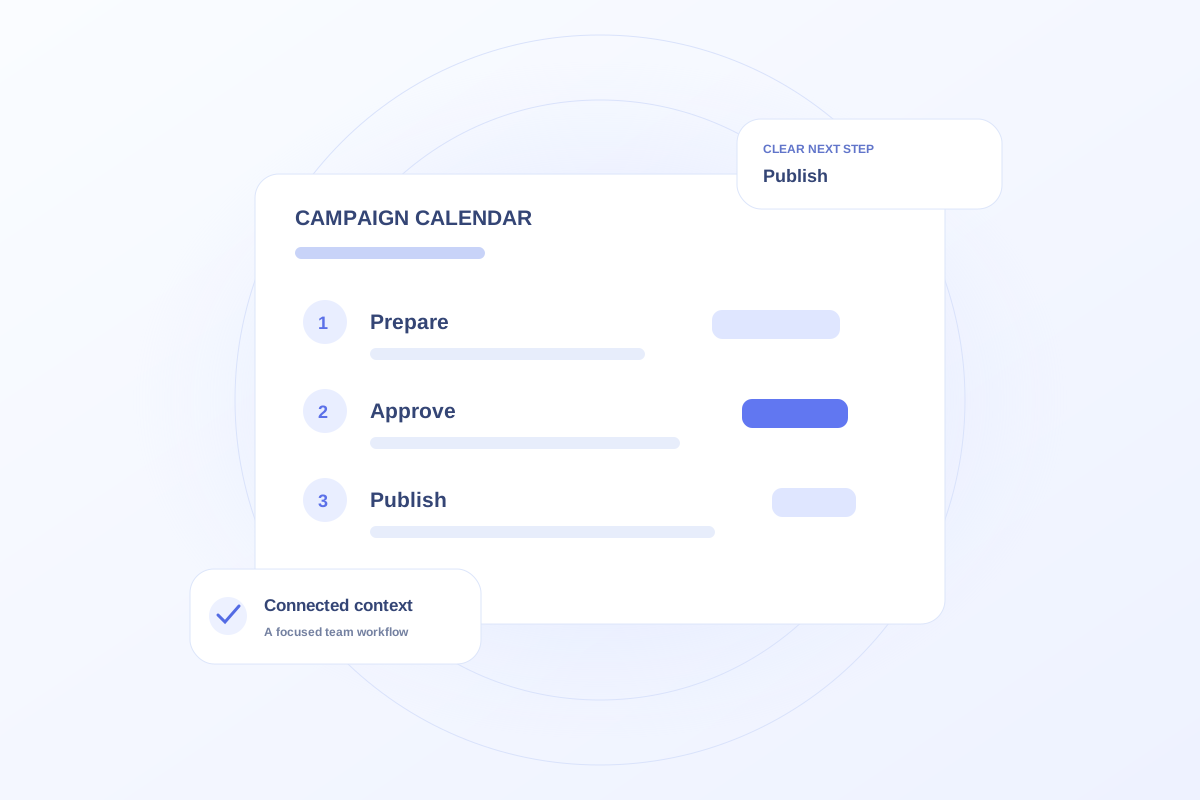
A useful ophthalmology marketing calendar combines publication dates with the work required to meet them. Record the initiative, owner, approval deadline, vendor dependency, and next action. Keep patient appointments in their own workflow so the marketing calendar remains a plan for the team’s work.
Work backward from the commitment
Start with the event date or intended publication date. Add the decisions that must happen first: an approved brief, a design handoff, a website update, and a final review. Give each step a date that leaves room for its dependencies.
For a fictional patient education event, printing cannot begin until the handout is approved. Put the approval before the print deadline rather than assigning both to the day before the event. That relationship is more useful than a calendar full of launch dates.
Distinguish dates from capacity
A blank day does not prove that someone has capacity. Review the owner’s existing assignments and ask whether the new commitment is realistic. Keep flexible preparation tasks separate from appointments that require a specific time.
Use a weekly review to resolve collisions. If two projects depend on the same reviewer, either move a milestone or change the scope. Repeatedly rolling deadlines forward makes the plan less reliable.
Connect the calendar to the work
Ovrflo’s Marketing workspace lets a team explore personal and team planning alongside project and vendor context. Use the demo to assign a preparation task and review where it appears in the plan.
Before using a production workflow, agree on who updates dates and how changes reach external vendors. The public demo does not synchronize with external calendars or send deadline notifications.
Your working checklist
- Work backward from each event or publication date.
- Assign owners to preparation and approval work.
- Review dependencies before committing to dates.
- Confirm how the team communicates changes.
See the workflow in Ovrflo.
Explore the related workspace with fictional data, then discuss what your team would need in practice.