

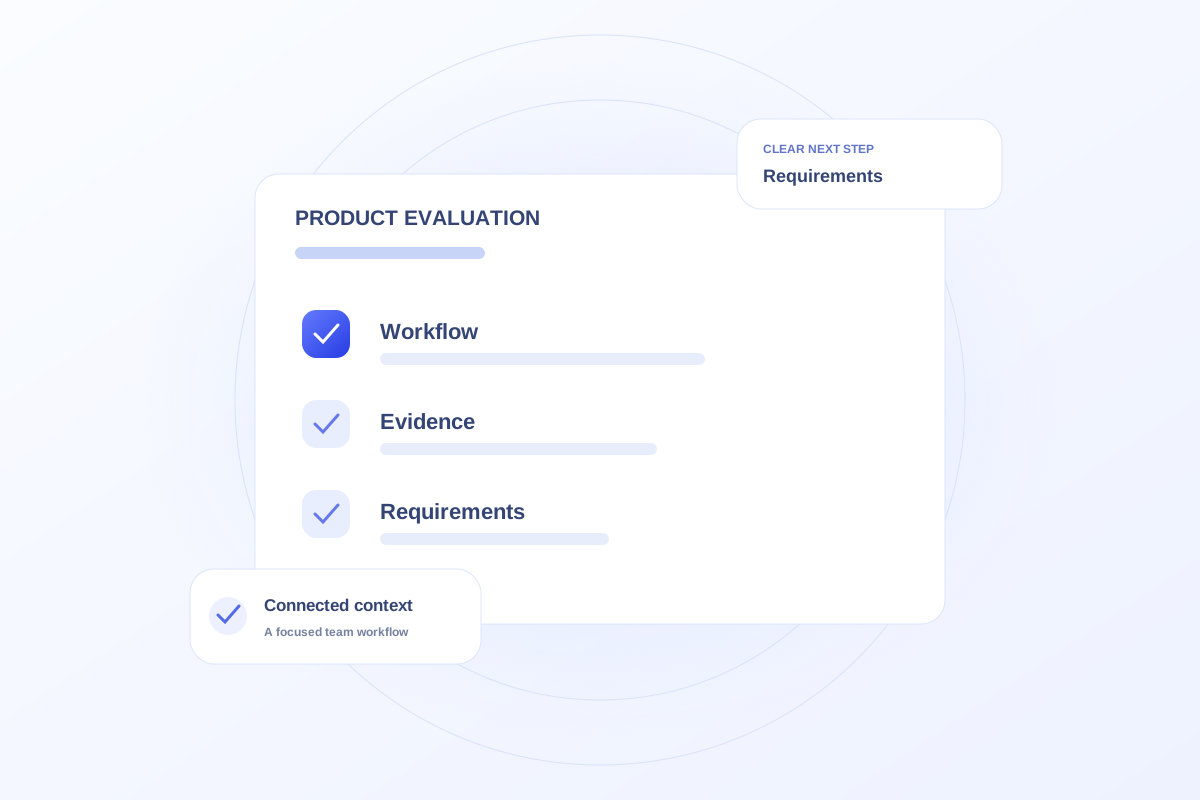
Choose an operations platform by comparing how it supports the team’s actual work, the evidence available for its capabilities, and the requirements for production use. Evaluate role-specific workflows, record ownership, reporting definitions, integrations, support, and commercial scope. A feature list alone cannot establish fit.
Compare the same scenarios across options
Ask each product to demonstrate the same representative work, such as preparing an office visit, assigning a marketing task, or reviewing a linked inquiry and booking. Record what the user must do and where context is missing.
Include the people who perform the work. A leadership dashboard may be useful while still leaving a coordinator’s daily handoff unresolved.
Separate evidence from proposed scope
For each important requirement, record whether it was demonstrated, documented, proposed, or not available. Ask how access, data correction, integrations, and exceptions would work in production.
Discuss pricing and implementation scope against those requirements. Do not infer a production commitment from a button, sample chart, or sales description without confirming the underlying behavior.
Use Ovrflo to explore the operational fit
Ovrflo offers a public demo of focused Marketing, Co-management, and Patient Intake workflows. Explore the relevant workspace, then bring the requirements it raises to a product conversation.
The demo uses fictional browser-local data. Live integrations, shared production operation, and security readiness need their own verification. That boundary should remain visible in any comparison or rollout decision.
Your working checklist
- Use consistent scenarios for every product.
- Include the staff who perform the work.
- Record the evidence status of each requirement.
- Confirm production scope, support, and commercial terms.
See the workflow in Ovrflo.
Explore the related workspace with fictional data, then discuss what your team would need in practice.