

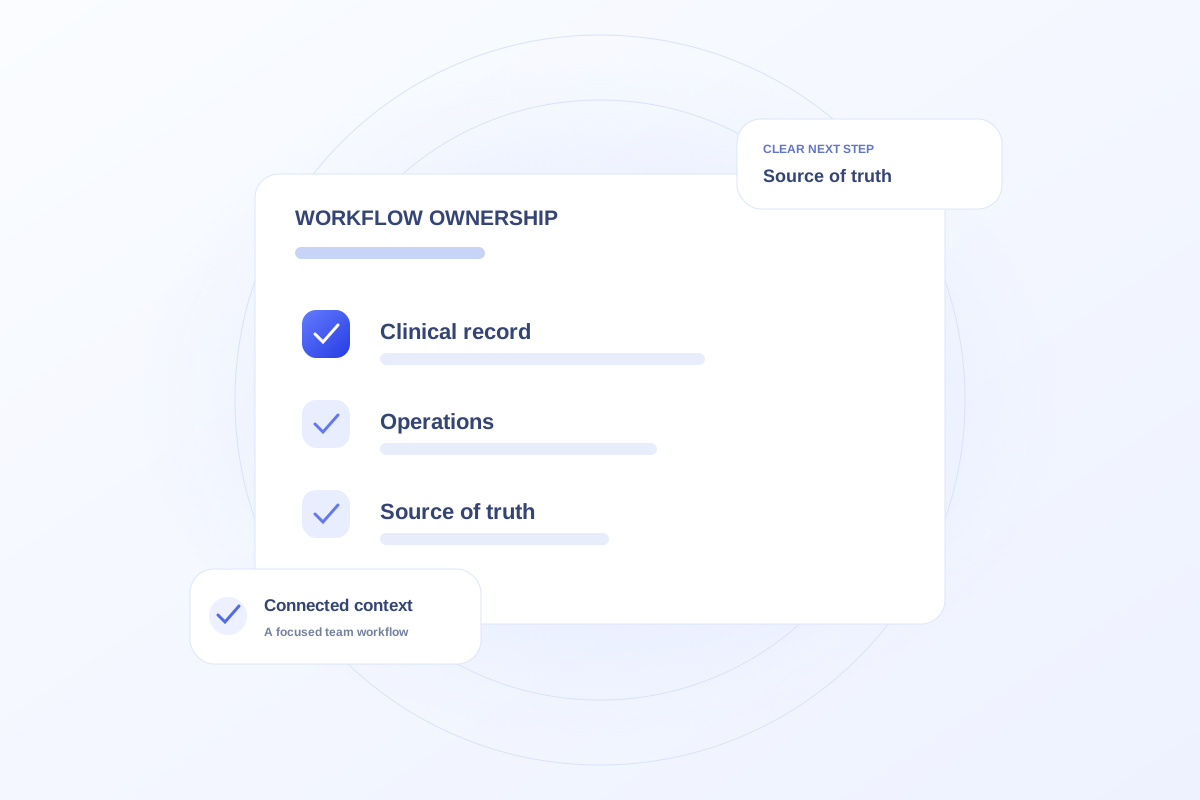
Clinical record workflows and relationship-management workflows serve different purposes. An EHR supports the practice’s clinical record processes, while a relationship or operations workspace may organize outreach, projects, and administrative follow-up. Define which system owns each record and do not assume one product replaces the other.
List the jobs the practice needs to perform
Separate clinical documentation from vendor management, provider outreach planning, and inquiry follow-up. Identify which people perform each job and where the approved record currently lives.
The same patient journey may touch several systems. That does not mean every system should store every detail or become an alternative clinical record.
Define ownership before discussing integration
For each shared field or milestone, name the source the team will treat as authoritative. Clarify how updates, corrections, and conflicting statuses would be handled.
A screen showing a chart reference is not evidence of EHR synchronization. Ask for a demonstration of the proposed production connection and the operational process around failures or mismatches.
Evaluate Ovrflo against the relevant workflow
Ovrflo’s public demo shows Marketing operations, Co-management, and Patient Intake with fictional data. Use it to explore administrative ownership and reporting context.
The demo is not a live EHR connection or a substitute for clinical documentation. Production integration, security, and access requirements need specific review before a practice relies on a connected workflow.
Your working checklist
- Separate clinical and administrative jobs.
- Identify the authoritative source for shared fields.
- Request evidence of proposed integrations.
- Evaluate the demo within its stated scope.
See the workflow in Ovrflo.
Explore the related workspace with fictional data, then discuss what your team would need in practice.