

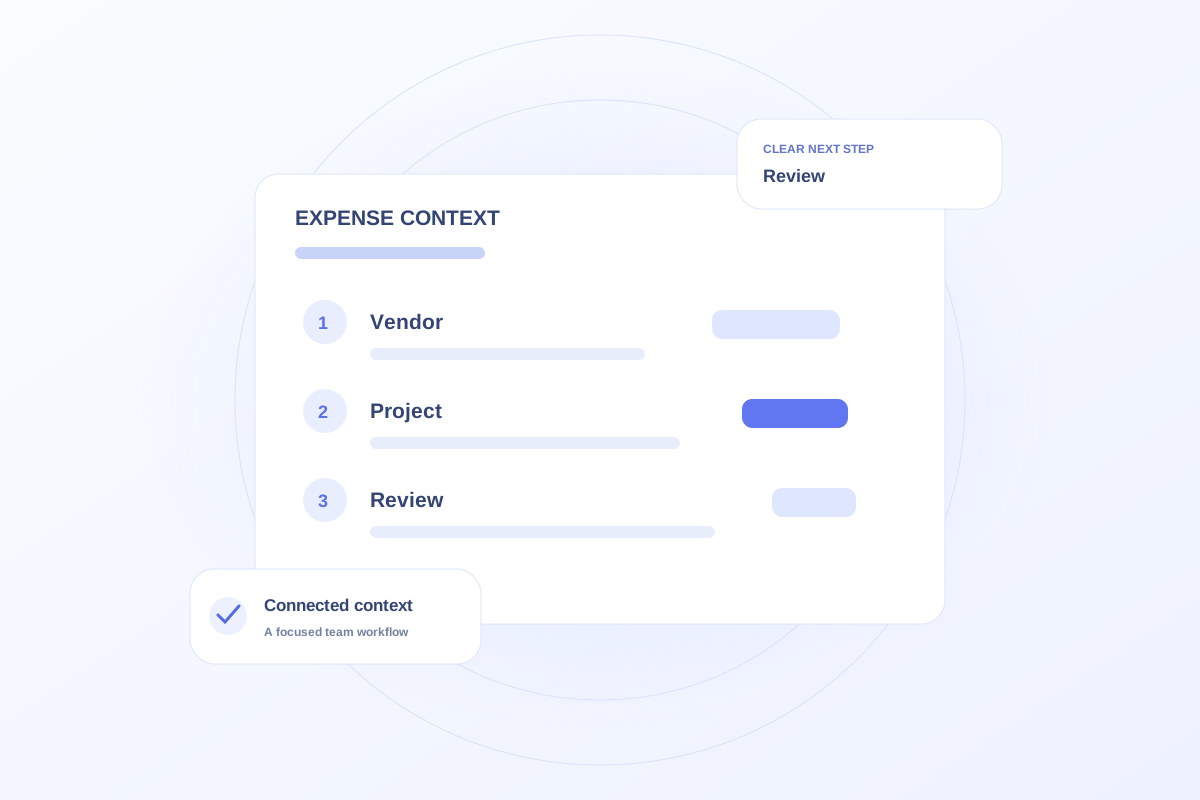
Organize marketing expenses with a consistent vendor, expense date, amount, category, and related project when applicable. Record what the expense represents and distinguish a recorded expense from an approved or paid item. Keep accounting reconciliation in the practice’s financial process.
Choose a small set of useful categories
Start with categories the team will actually use during reviews, such as events, creative production, and ongoing vendor services. Define how shared expenses are handled so the same kind of item does not move between categories each month.
A fictional printing expense for an outreach event belongs with both the print vendor and the event context. That connection lets a reviewer understand the expense without searching an unrelated task list.
Separate records from approvals
A stored amount does not by itself establish that an invoice is approved, paid, or reconciled. Use the practice’s financial system and approval process to determine those states. Record any uncertainty rather than filling in a status from memory.
When totals differ, check dates, duplicate entries, credits, and scope before assuming a calculation error. A project view and an accounting period may include different sets of records.
Review spending with the work
Ovrflo’s Marketing expenses can be explored alongside vendor and project records. Use that relationship to ask what the team purchased and which initiative it supported.
The public demo is not connected to banking or payment processing. Use fictional amounts to evaluate the workflow, then decide how production records would be reconciled with the practice’s accounting source.
Your working checklist
- Define expense categories consistently.
- Link expenses to vendors and projects where appropriate.
- Separate recording from approval and payment.
- Reconcile totals against the accounting source.
See the workflow in Ovrflo.
Explore the related workspace with fictional data, then discuss what your team would need in practice.