

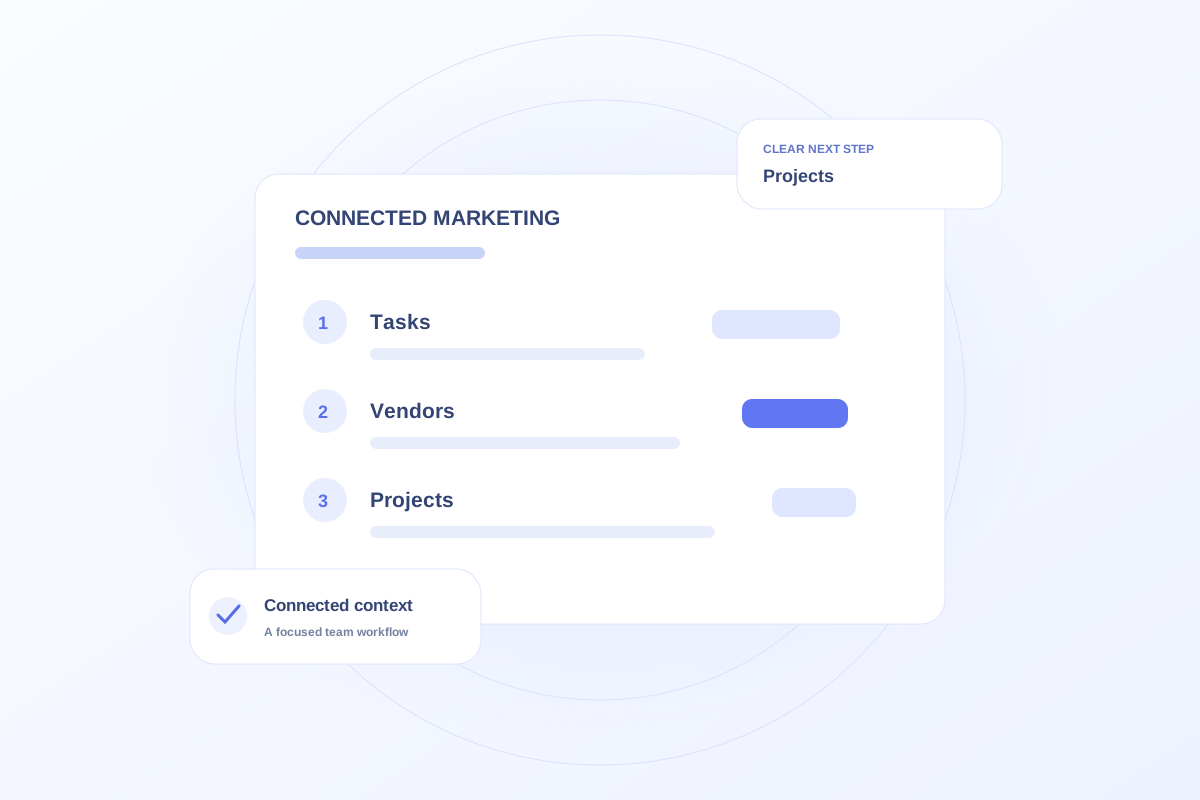
Consider a dedicated marketing workspace when recurring work is hard to coordinate across separate task, vendor, project, and expense sheets. Look for unclear ownership, repeated copying, and missed context. A spreadsheet can remain useful for analysis; the decision should depend on the workflow the team needs to improve.
Identify the repeated failure
Write down where work breaks down. The problem may be an unassigned approval, disconnected vendor context, or a task list nobody reviews. Adding software without changing that process can reproduce the same issue in a different place.
Use a fictional recent initiative to trace the handoffs. Count the places someone has to search to understand the next action, rather than assuming the number of spreadsheets is itself the problem.
Keep useful analysis and define record ownership
Decide which records belong in the work plan and which financial or analytical sources remain authoritative elsewhere. Avoid creating a new copy of every spreadsheet simply because the workspace has room for it.
Agree on who maintains each record and how the team reviews changes. A shared tool still needs a consistent operating process.
Test the connected workflow
Ovrflo’s Marketing demo lets visitors explore tasks alongside vendor, project, contract, and expense context. Use the demo to see whether a representative handoff becomes easier to understand.
The public demo does not import and synchronize a practice’s spreadsheets. Discuss migration, shared access, and ongoing data ownership as production requirements rather than assuming they are included.
Your working checklist
- Identify a recurring coordination problem.
- Keep authoritative financial and analytical sources clear.
- Test a representative connected workflow.
- Discuss migration and shared-access requirements explicitly.
See the workflow in Ovrflo.
Explore the related workspace with fictional data, then discuss what your team would need in practice.