

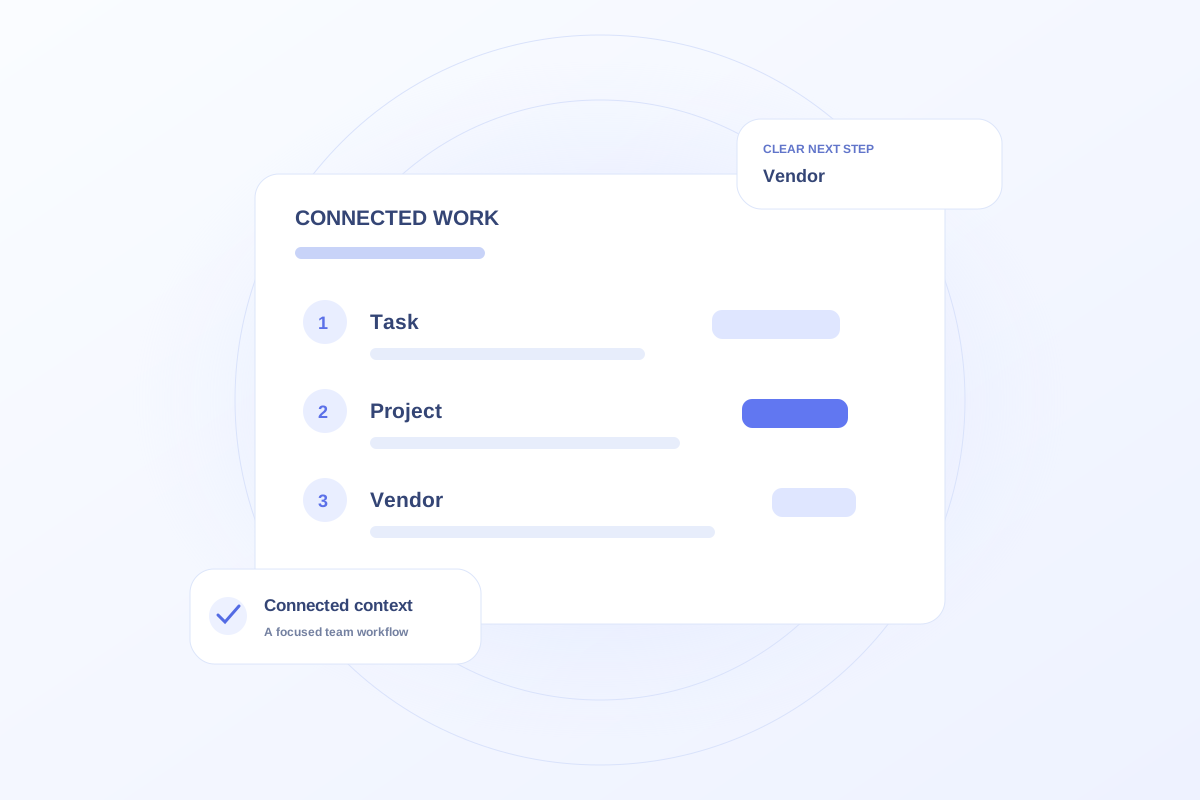
Use a task for an action, a project for a coordinated initiative, and a vendor record for an external relationship. Connect the records when the work overlaps. A vendor is not a project, and a project name is not a sufficient instruction for completing an assignment.
Write a task as an observable action
A task should tell the owner what completion means. “Review the event invitation copy” is more useful than “event.” Add a due date and the context needed to perform the work.
If the assignment requires several people or a series of dependencies, keep those actions separate. One large task can hide a completed design step behind an unfinished approval step.
Use projects and vendors for different context
A project groups the purpose, milestones, and related work for an initiative. A vendor record describes the company or person supplying services across one or more initiatives.
A fictional print vendor may support an outreach event and an office brochure refresh. Keep one relationship record and connect the relevant work rather than creating a different version of the vendor for every project.
Connect instead of copying
Ovrflo’s Marketing workflow supports tasks with project and vendor context. Explore how a task can be understood from the initiative it supports without turning the task into a duplicate vendor file.
During a review, ask whether each record answers a distinct question. Archive or complete work through the team’s chosen process so old initiatives do not obscure the active plan.
Your working checklist
- Use tasks for actions with clear completion criteria.
- Use projects to coordinate initiatives.
- Use vendor records for continuing relationships.
- Connect records rather than repeating their details.
See the workflow in Ovrflo.
Explore the related workspace with fictional data, then discuss what your team would need in practice.