

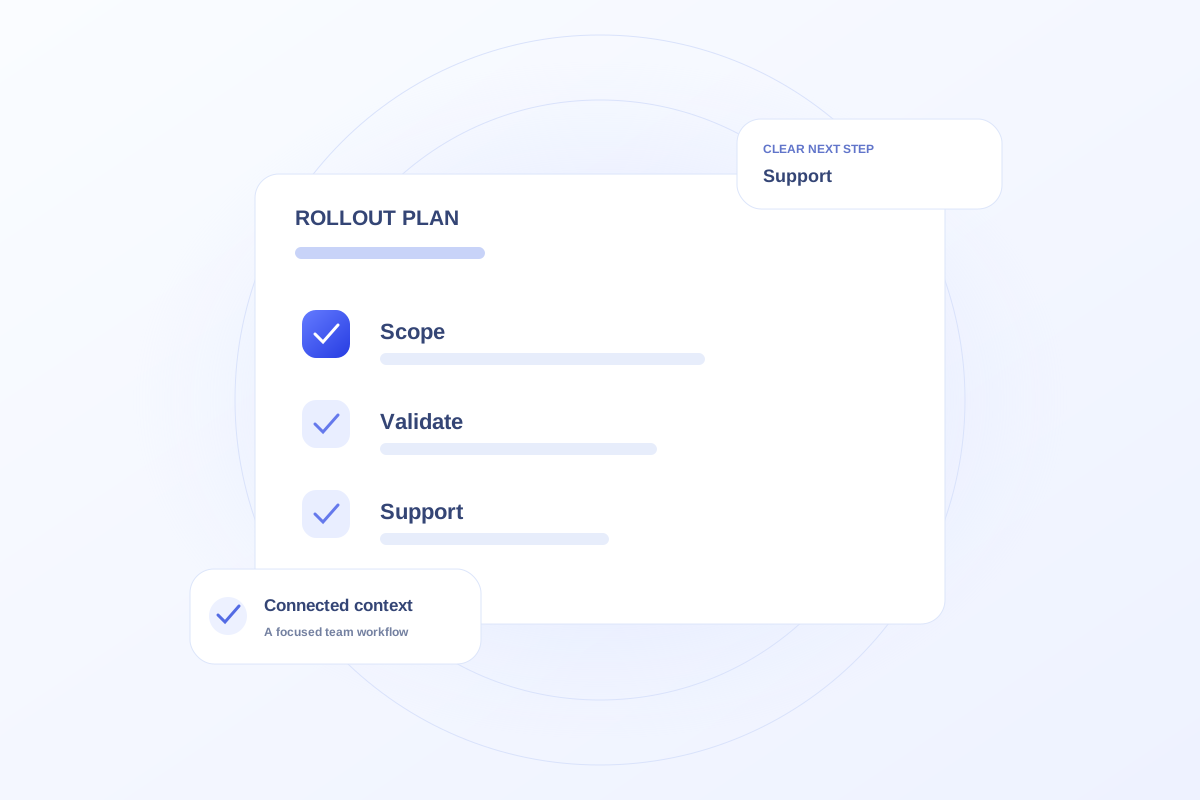
A rollout plan should define the initial workflows, accountable owners, required data sources, access needs, validation steps, training, and support process. Decide what must be verified before launch and how the practice will handle problems. Keep the proposed scope separate from what has already been demonstrated.
Start with a bounded first workflow
Choose a specific operational need and define its boundaries. A first rollout might focus on a team’s work planning rather than every system touched by the patient journey. Identify the people who approve the scope and the people who will use it daily.
Record dependencies and acceptance criteria. A workflow is ready when the agreed work can be completed and verified, not simply when a screen is available.
Plan record ownership and validation
Identify which source owns each record, who can edit it, and how corrections will be reviewed. Agree on a small set of representative records to validate against the existing sources.
Include training and exception handling. Staff need to know what to do when information is missing, an integration is unavailable, or ownership is unclear.
Use the demo to clarify requirements
Ovrflo’s public demo helps teams discuss workflows and priorities using fictional records. Turn the useful scenarios into a requirements list for a production proposal.
Do not treat a successful demo walkthrough as a completed rollout assessment. Live access, security review, integrations, migration, support, and commercial scope need their own documented agreement.
Your working checklist
- Define a bounded initial scope.
- Assign workflow and data owners.
- Document acceptance and exception-handling steps.
- Verify production requirements before launch.
See the workflow in Ovrflo.
Explore the related workspace with fictional data, then discuss what your team would need in practice.